
CMS migrations that protect your traffic
Moving platforms is where sites lose rankings, content and goodwill. We've done it enough times to have a checklist - and we run every migration against it.
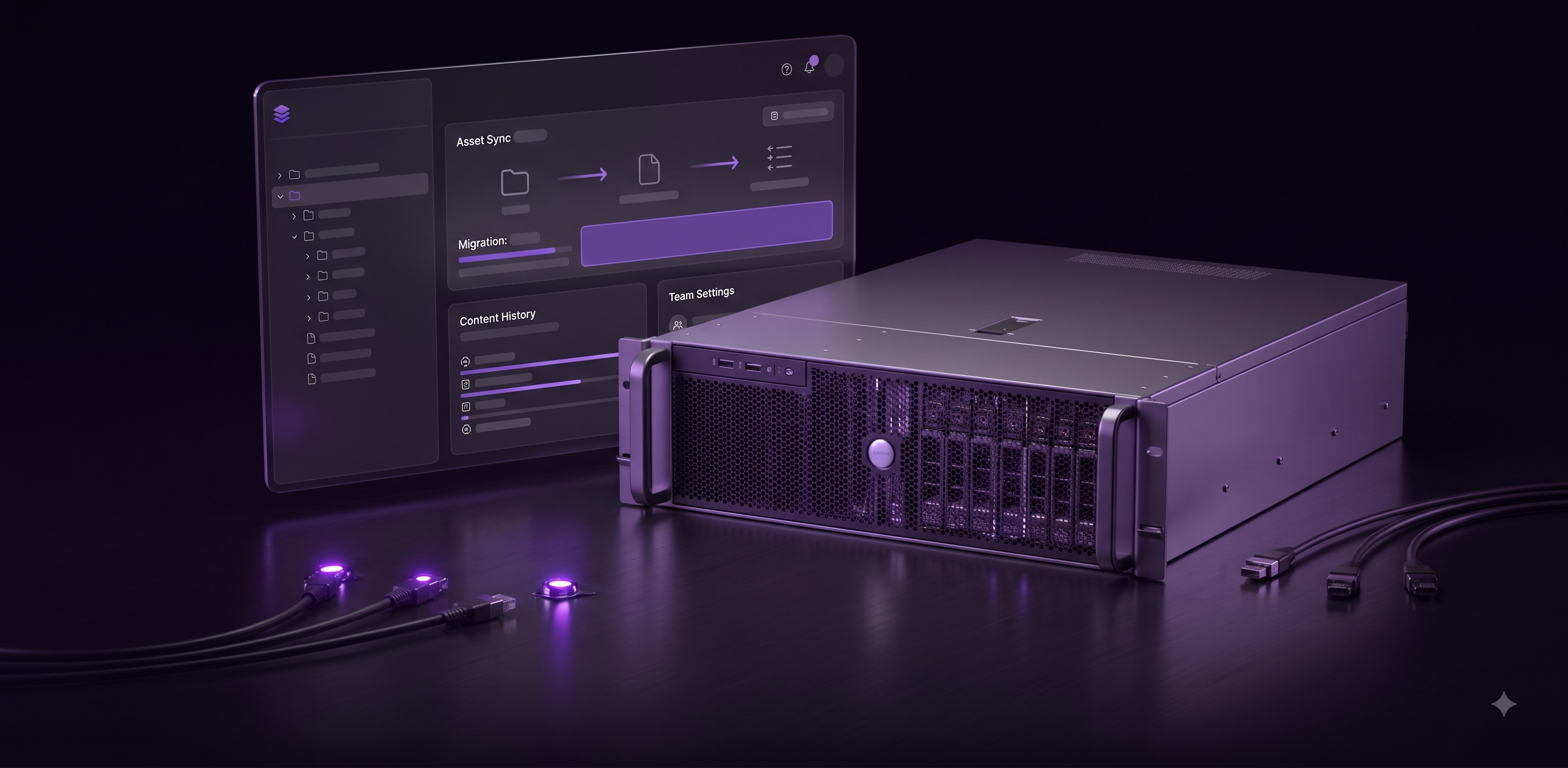
- Content freeze
- 0 days
- Content freeze
- Redirect coverage
- 1:1
- Redirect coverage
- Daily launch monitoring
- 14 days
- Daily launch monitoring
What you get from CMS migrations.
Migration plan
Content inventory, URL map, redirect rules and cut-over runbook.
Content model & scripts
Structured schemas in the new CMS and automated content transfer with review.
Rebuilt templates
On the design system, SEO-equivalent or better.
Launch monitoring
Search Console, error tracking and performance watched daily for two weeks.
A repeatable process, not a black box.
- 01
Inventory
Every URL, template and integration, with traffic and value.
- 02
Model
Design the new content structure - usually simpler than the old one.
- 03
Migrate
Scripted transfer, editor review, redirects under version control.
- 04
Cut over
Launch behind a flag, verify, switch, monitor.
This is for you when…
- You're on WordPress, Sitecore, AEM or a legacy CMS and it hurts.
- Organic traffic is significant and can't be risked.
- The last migration went badly and everyone remembers.
Solutions that include CMS migrations
Questions about CMS migrations
Do we need a content freeze?+
Rarely. We migrate in a way that lets editors keep publishing on the old platform until the final sync.
How long does it take?+
Eight to sixteen weeks for most marketing sites, depending on template count and content volume.
Often combined with
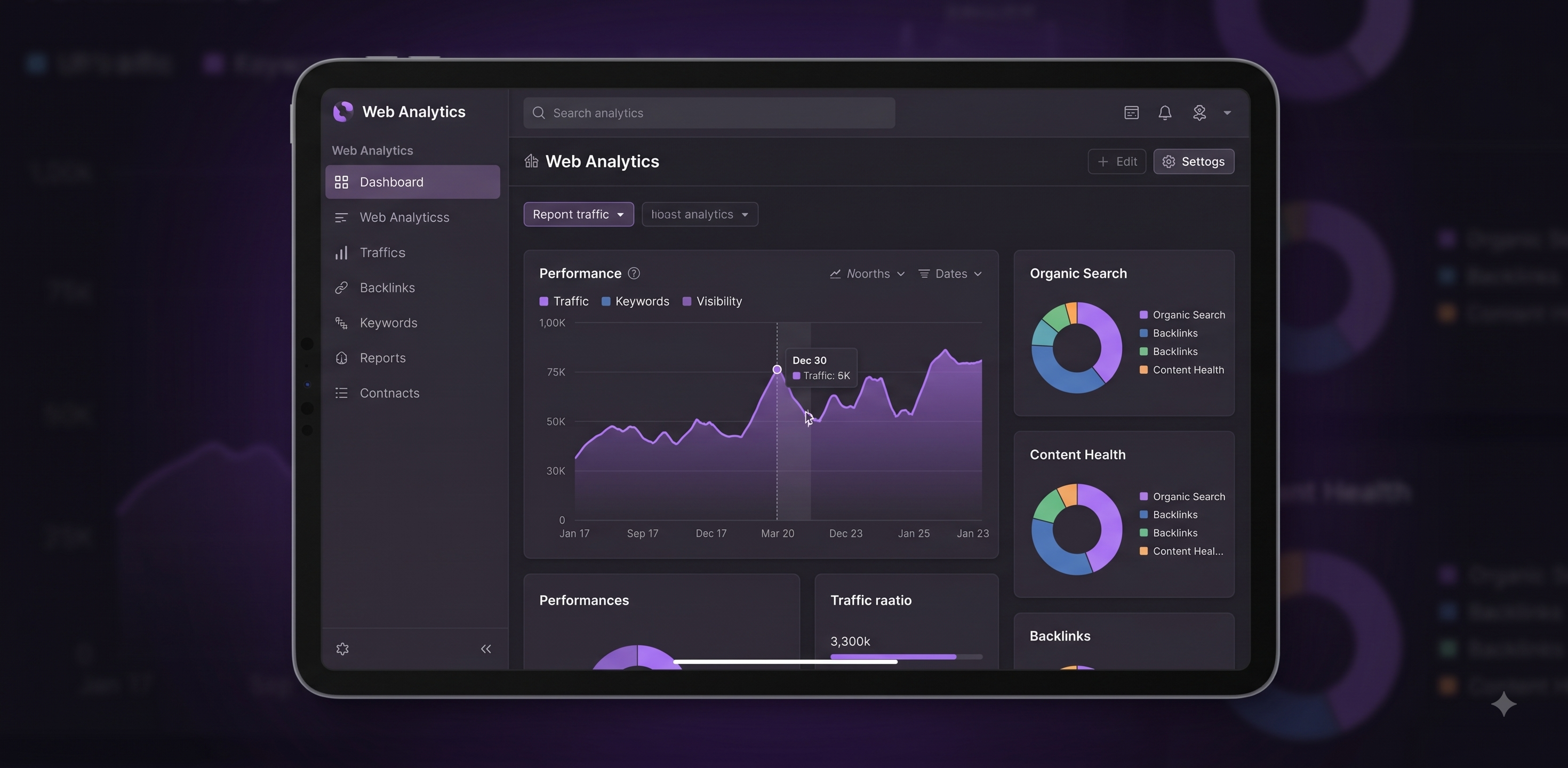
SEO
Technical SEO, content architecture and migrations that protect your rankings.
Learn more
Web Engineering
Composable front ends on Next.js with a headless CMS your team can actually use.
Learn more
Design Systems
Tokens, components and documentation shared by design and engineering - one source of truth.
Learn moreLet's talk about your website.
Tell us where your site is holding the business back. We'll come back with a point of view, not a pitch deck.